> ## Documentation Index
> Fetch the complete documentation index at: https://docs.unifygtm.com/llms.txt
> Use this file to discover all available pages before exploring further.
# Organization settings
> Configure your organization within Unify.
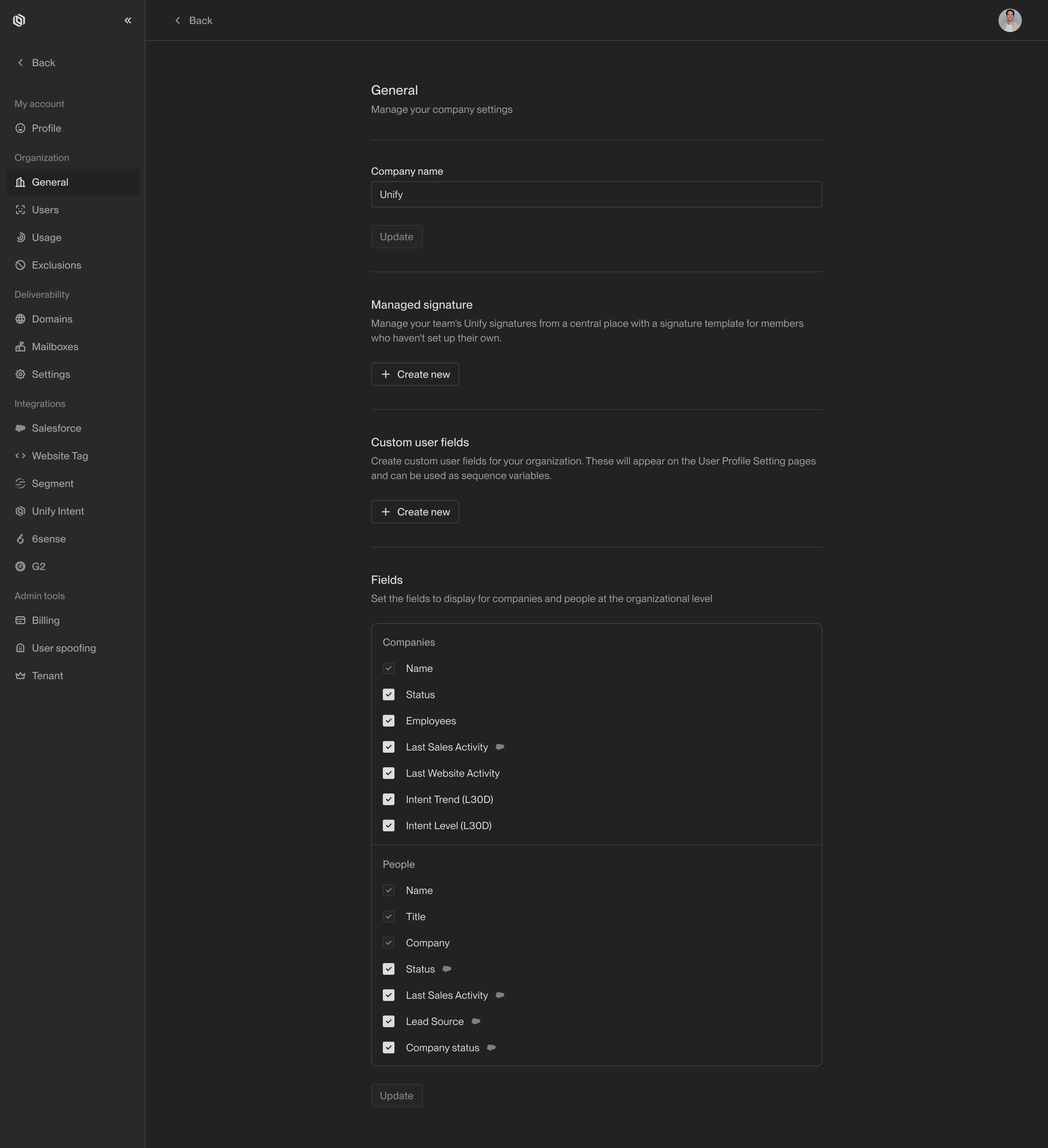
Users with sufficient permission can configure their organization settings within Unify. There are a variety of available configuration options, including:
* **Company name**: The name of your organization.
* **Managed signature**: A standardized email signature to be included in all outbound emails sent by Unify users. This is a template that will dynamically construct each signature based on the user's profile information.
* **Custom user fields**: Additional fields that can be set for each user profile. These values can then be used with other Unify features, such as email signatures and snippets.
You will find these options within [Settings](https://app.unifygtm.com/dashboard/settings/organization/general).