> ## Documentation Index
> Fetch the complete documentation index at: https://docs.unifygtm.com/llms.txt
> Use this file to discover all available pages before exploring further.
# Configure default values
> Learn how to set default values writing to Salesforce.
## Overview
When Unify creates or updates records in Salesforce, it will populate each
Salesforce field using the value in the corresponding Unify field. However, you
can also specify *default values* to be used as a fallback. This can useful in a
few different scenarios:
1. You may have custom fields in Salesforce that require a value
2. You may want to write a custom value to a field that is not available in the
field mappings
3. You may want to dynamically set a value in different Plays or Play actions
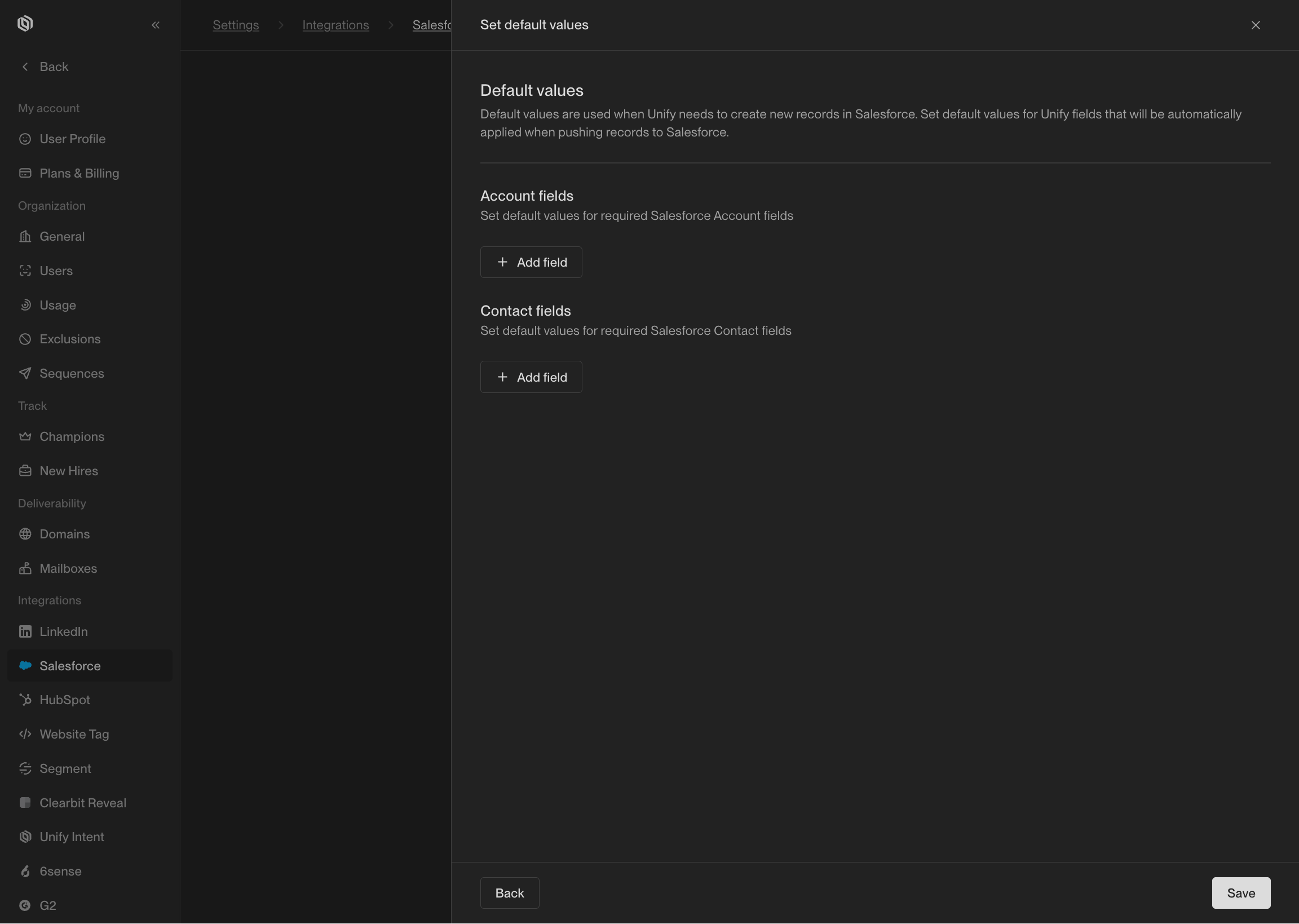
You can set global default values from [Settings → Integrations → Salesforce](https://app.unifygtm.com/dashboard/settings/integrations/salesforce).
These will be used for all writes to Salesforce unless overridden in a Play or
by a field mapping.
 To learn how to set default values at the Play level instead, see the [Sync to Salesforce](/reference/plays/actions#sync-to-salesforce)
action reference.
To learn how to set default values at the Play level instead, see the [Sync to Salesforce](/reference/plays/actions#sync-to-salesforce)
action reference.