> ## Documentation Index
> Fetch the complete documentation index at: https://docs.unifygtm.com/llms.txt
> Use this file to discover all available pages before exploring further.
# Property options
> Find the options for a property in HubSpot.
## Explanation
Properties in HubSpot have a different name displayed in the UI than the value
used at the API level. For most properties, the dropdown options you see in the
UI will be the same as the values you see in Unify.
However, certain properties in HubSpot have options which Unify cannot access.
At the moment, this is a known HubSpot limitation. The steps outlined here can
help to work around the issue.
## Workaround
To support using these options for filtering in audiences and exclusions, you
can perform the following steps. This article uses the **Lifecycle Stage**
property on **Company** as an example, but the same steps should work for other
properties and objects.
In HubSpot, navigate to **CRM → Companies** and select **Actions → Edit properties**.
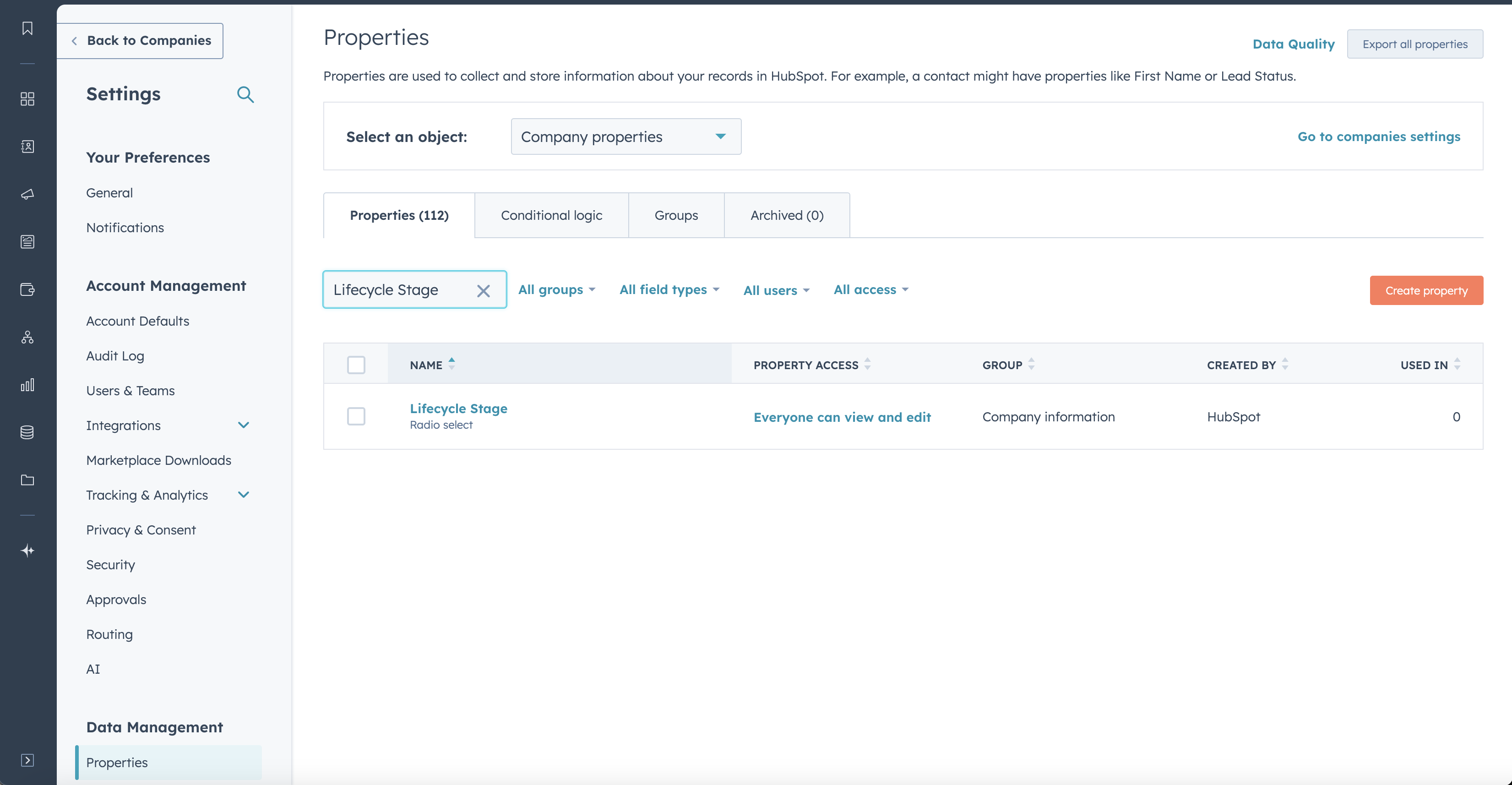
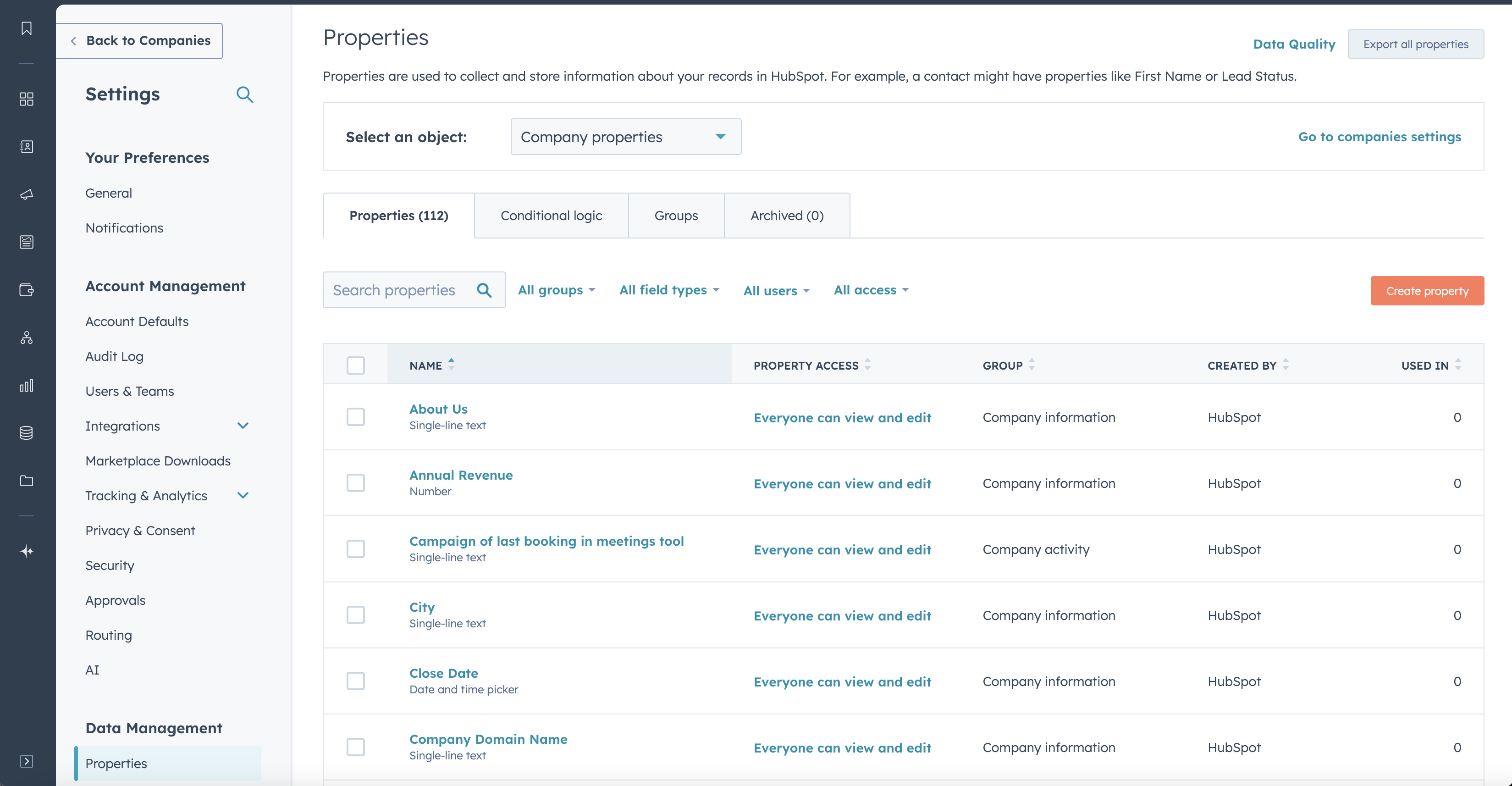 Search for the property by its name (in this case, **Lifecycle Stage**) and
select the property.
Search for the property by its name (in this case, **Lifecycle Stage**) and
select the property.
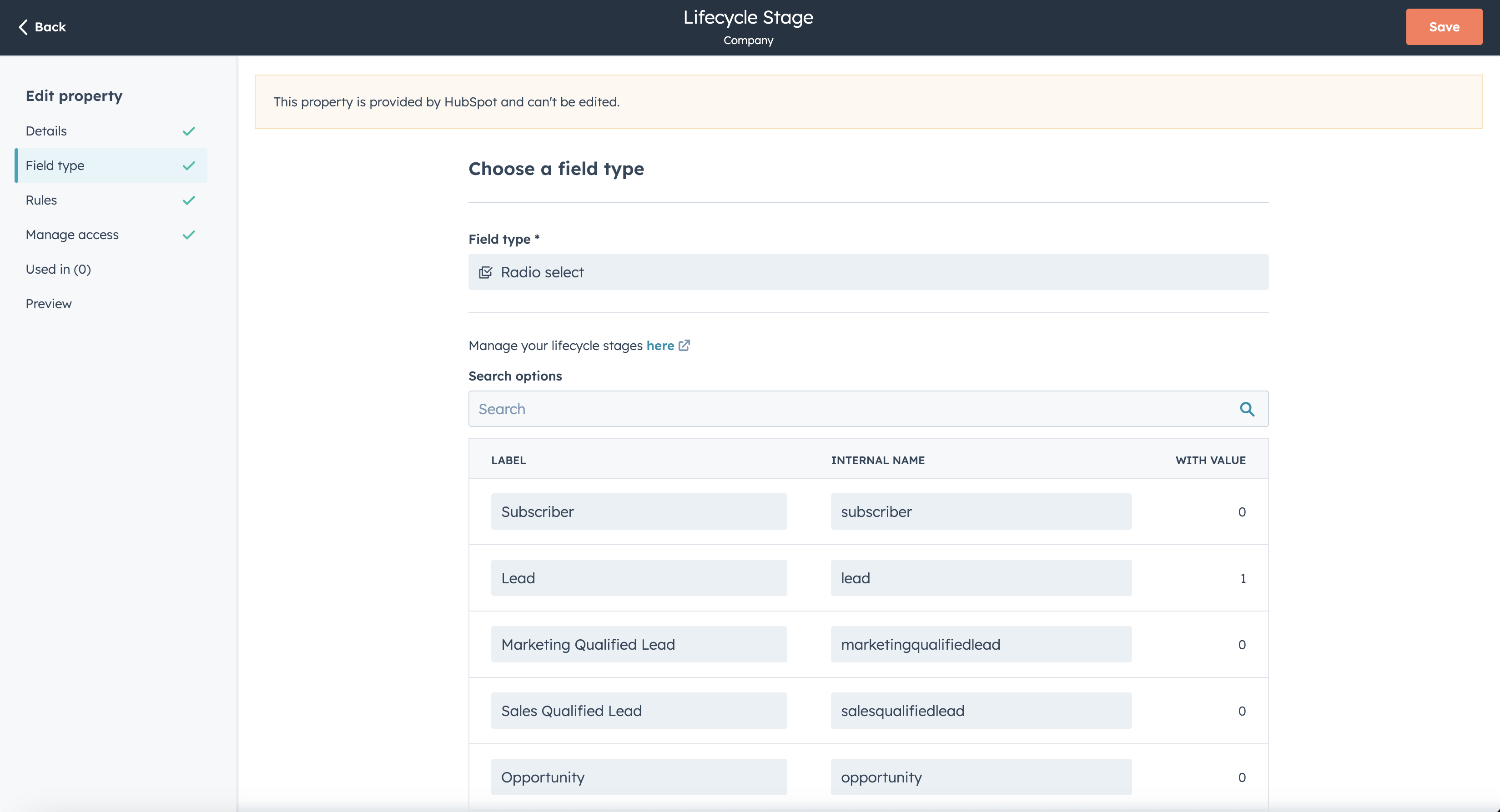
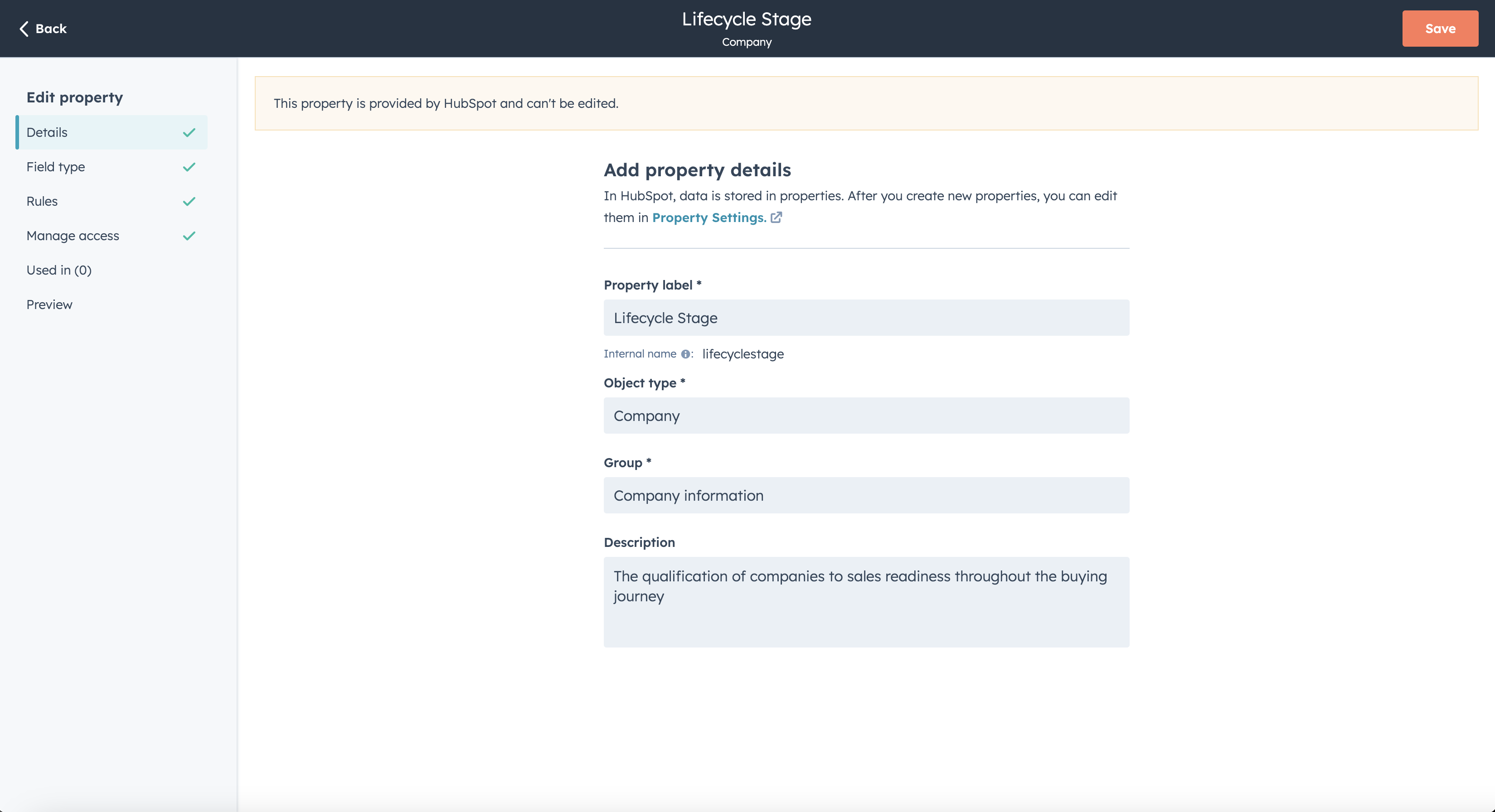 Navigate to **Field type**. You will see a list of options, with **LABEL** and
**INTERNAL NAME** values alongside the number of records that have that value.
You may want to copy these values to a secure separate location for easy future
reference. If you wish to filter records in Unify to a specific **LABEL** value,
you can do so by using the corresponding **INTERNAL NAME** value.
Navigate to **Field type**. You will see a list of options, with **LABEL** and
**INTERNAL NAME** values alongside the number of records that have that value.
You may want to copy these values to a secure separate location for easy future
reference. If you wish to filter records in Unify to a specific **LABEL** value,
you can do so by using the corresponding **INTERNAL NAME** value.
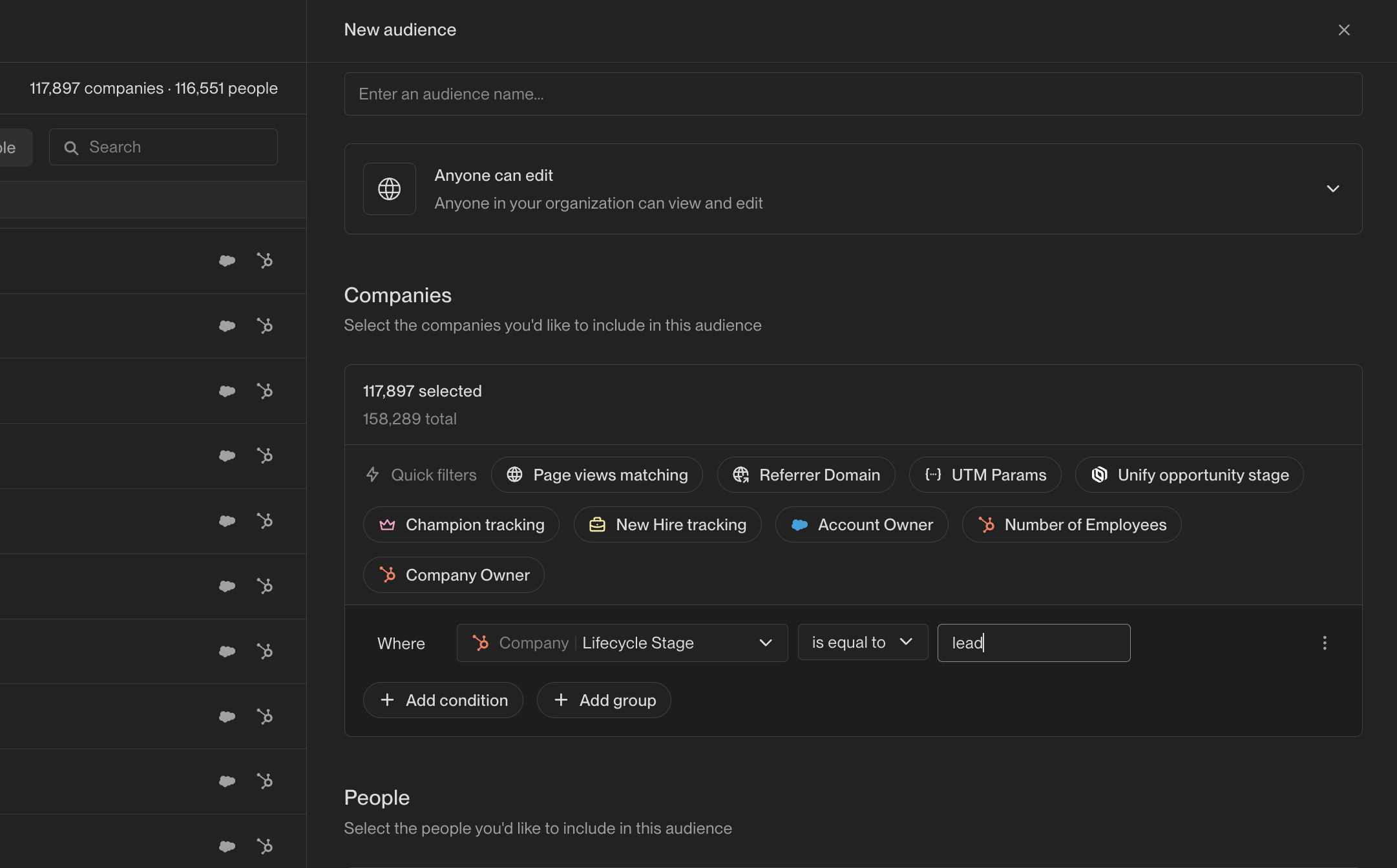
 Here's what that looks like in Unify for the **LABEL** value "Lead" and
therefore **INTERNAL NAME** value "lead":
Here's what that looks like in Unify for the **LABEL** value "Lead" and
therefore **INTERNAL NAME** value "lead":