> ## Documentation Index
> Fetch the complete documentation index at: https://docs.unifygtm.com/llms.txt
> Use this file to discover all available pages before exploring further.
# Gmail integration guide
> This guide outlines how start sending and receiving emails via Gmail in Unify.
## Overview
Unify integrates with Gmail to send and receive emails in sequences. Once your mailbox is connected, you can start enrolling people in sequences and sending outbound emails.
## Connecting to Gmail
1. Go to [Settings → Mailboxes](https://app.unifygtm.com/dashboard/settings/deliverability/mailboxes)
in Unify and select **New Mailbox**
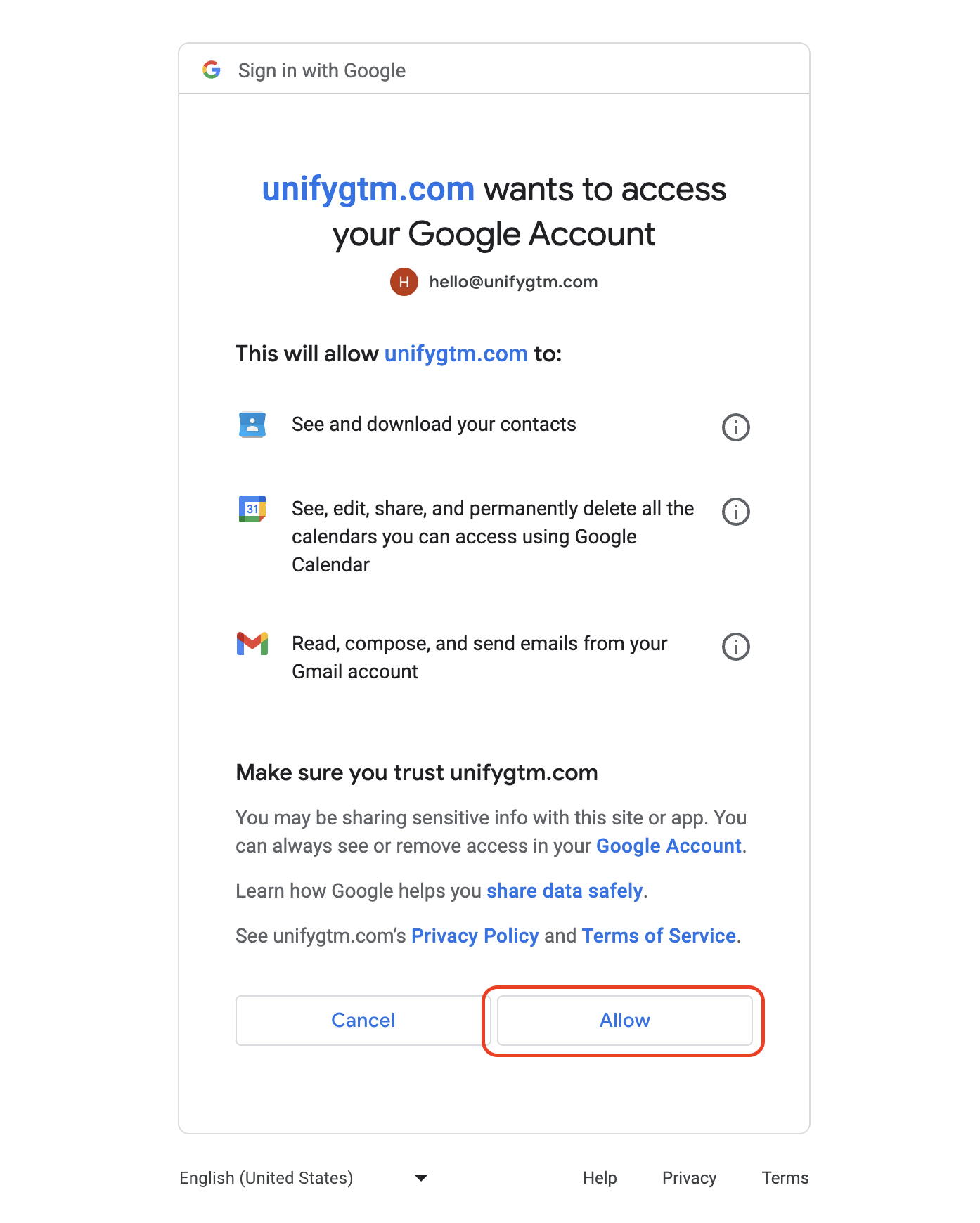
2. After being redirected to Gmail's authorization page, select the mailbox you
want to connect and choose **Allow** to proceed
 3. You will be redirected back to the mailbox settings page, where you can see
the status of your newly connected mailbox
3. You will be redirected back to the mailbox settings page, where you can see
the status of your newly connected mailbox