> ## Documentation Index
> Fetch the complete documentation index at: https://docs.unifygtm.com/llms.txt
> Use this file to discover all available pages before exploring further.

# Browsing the Web

> Run the Unify Chrome extension on other websites.

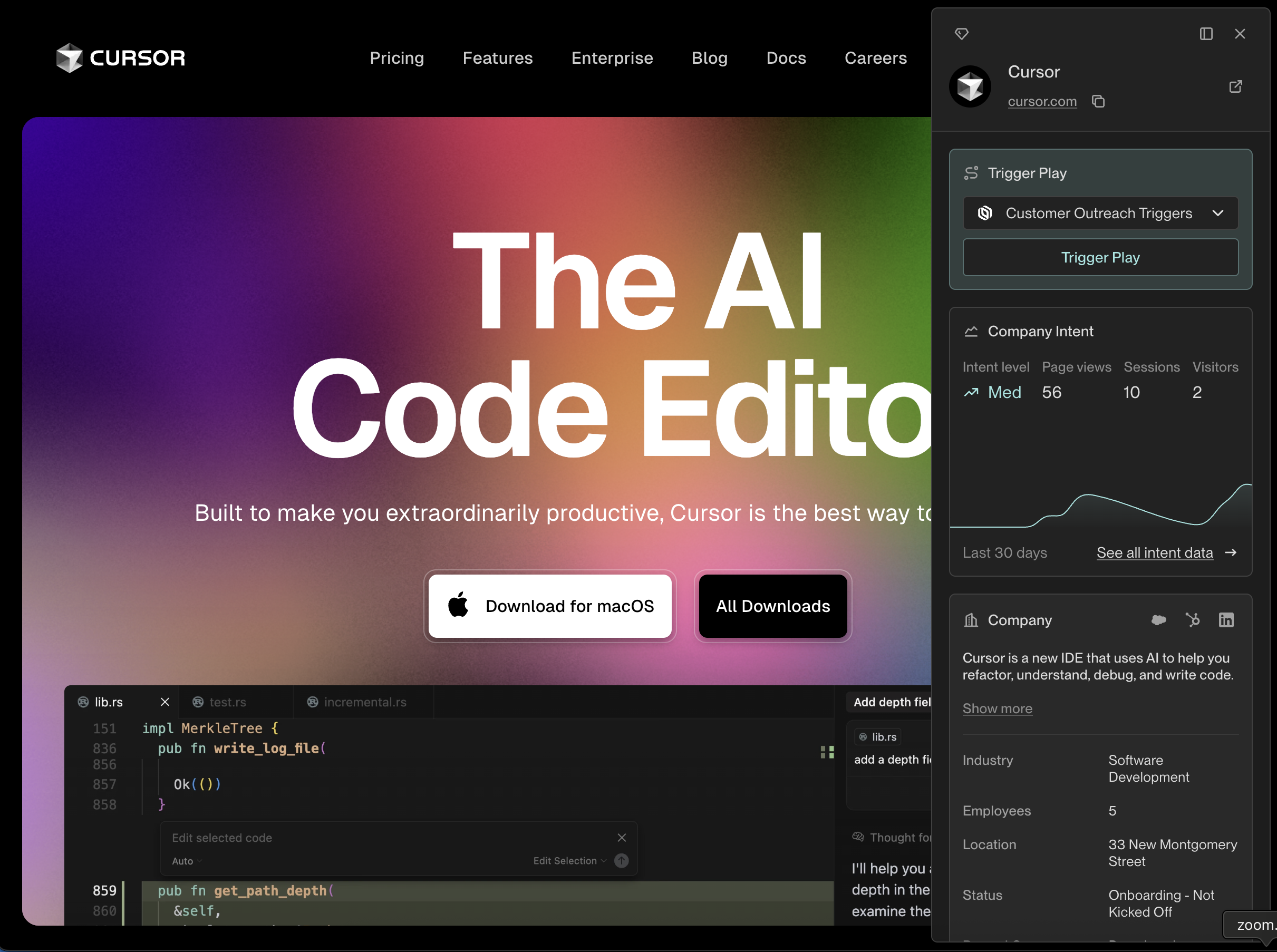
The extension can surface relevant information while browsing the web on
other sites, too. When you view a website with a domain that matches one
of the Companies in your Unify instance, the extension will automatically
surface details about that Company.
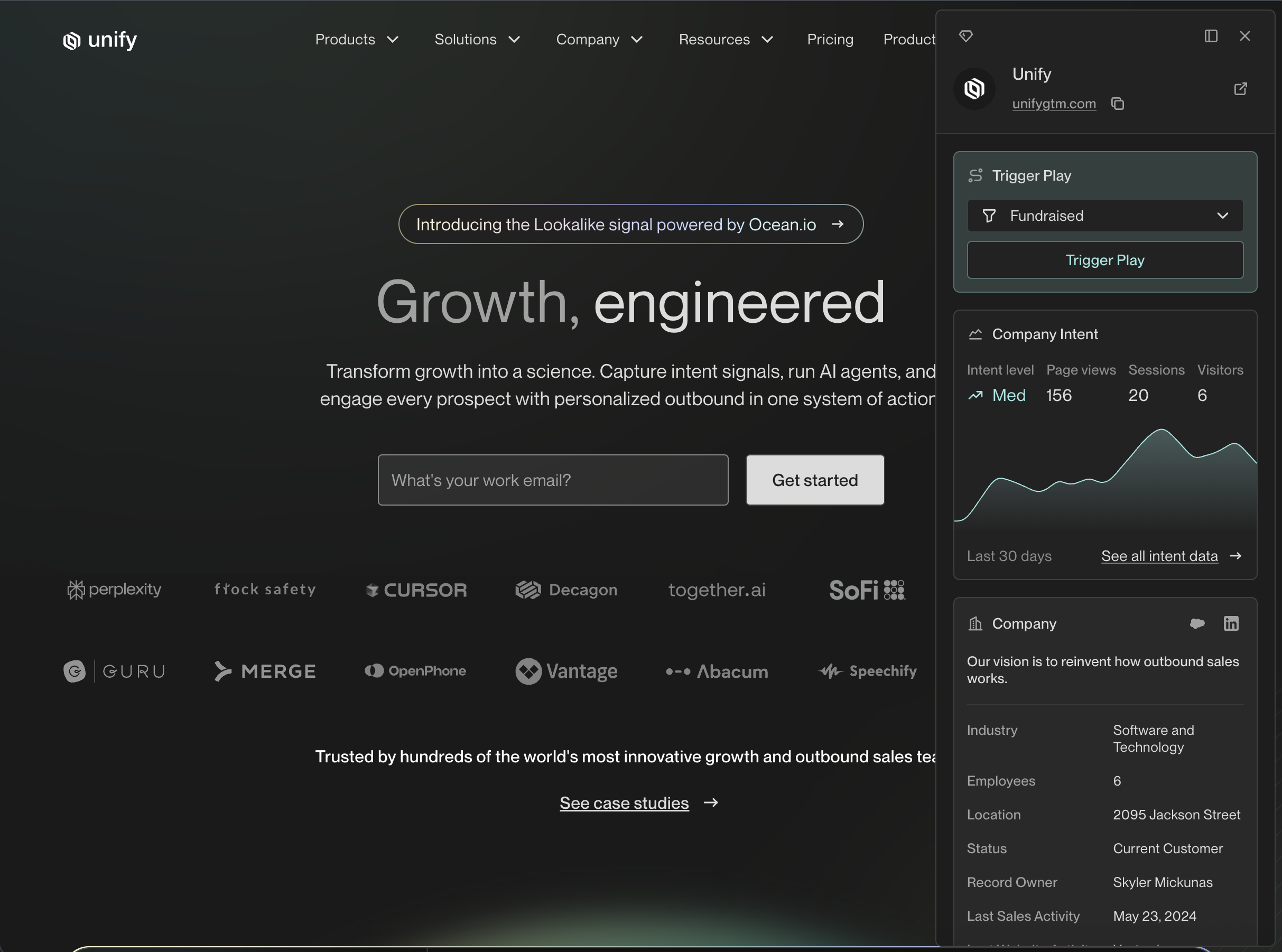
<Frame caption="For example, when viewing https://unifygtm.com you might see details about the company Unify.">
  <img src="https://mintcdn.com/unify-19/Y_pp7r30tEdafKDG/images/reference/browser-extension/web-company.png?fit=max&auto=format&n=Y_pp7r30tEdafKDG&q=85&s=7a32d999a9c0434326a37b95d1a4f8dd" width="2426" height="1802" data-path="images/reference/browser-extension/web-company.png" />
</Frame>

<br />

<Frame caption="Or when viewing https://cursor.com you might see details about the company Cursor.">
  <img src="https://mintcdn.com/unify-19/Y_pp7r30tEdafKDG/images/reference/browser-extension/web-company-2.png?fit=max&auto=format&n=Y_pp7r30tEdafKDG&q=85&s=9e76485b5b13d7f459716cd56133c29a" width="2422" height="1806" data-path="images/reference/browser-extension/web-company-2.png" />
</Frame>
