> ## Documentation Index
> Fetch the complete documentation index at: https://docs.unifygtm.com/llms.txt
> Use this file to discover all available pages before exploring further.
# Salesforce
> Run the Unify Chrome extension in Salesforce.
While viewing Accounts, Contacts & Leads in Salesforce, the extension will
automatically surface the corresponding Companies and People in Unify.
## Salesforce account page
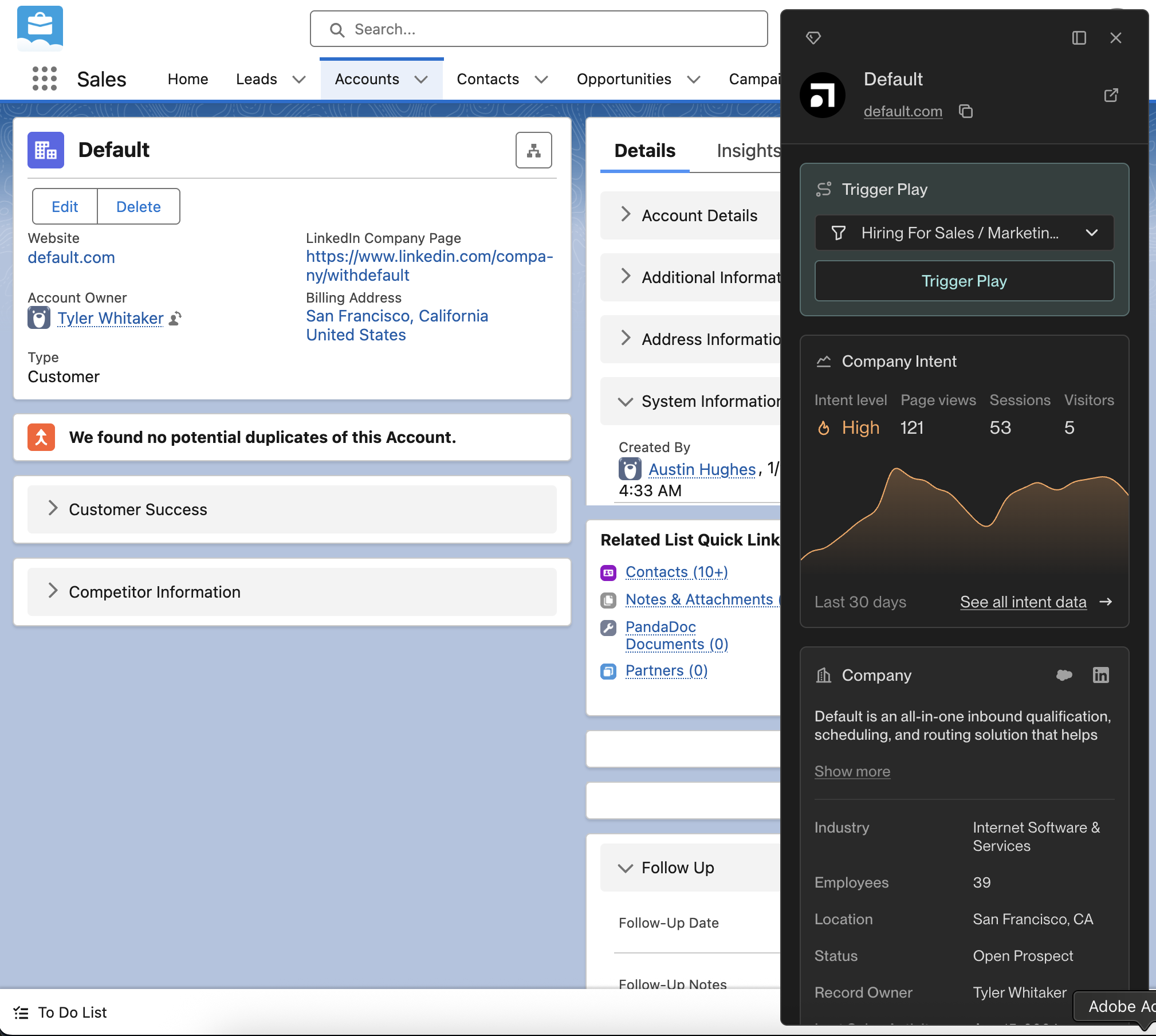
From this view, you can view People in your Unify instance who work at this Company (and add
them to a Sequence) or instantly add this Company to a Play of your choosing.
 ## Salesforce contact & lead pages
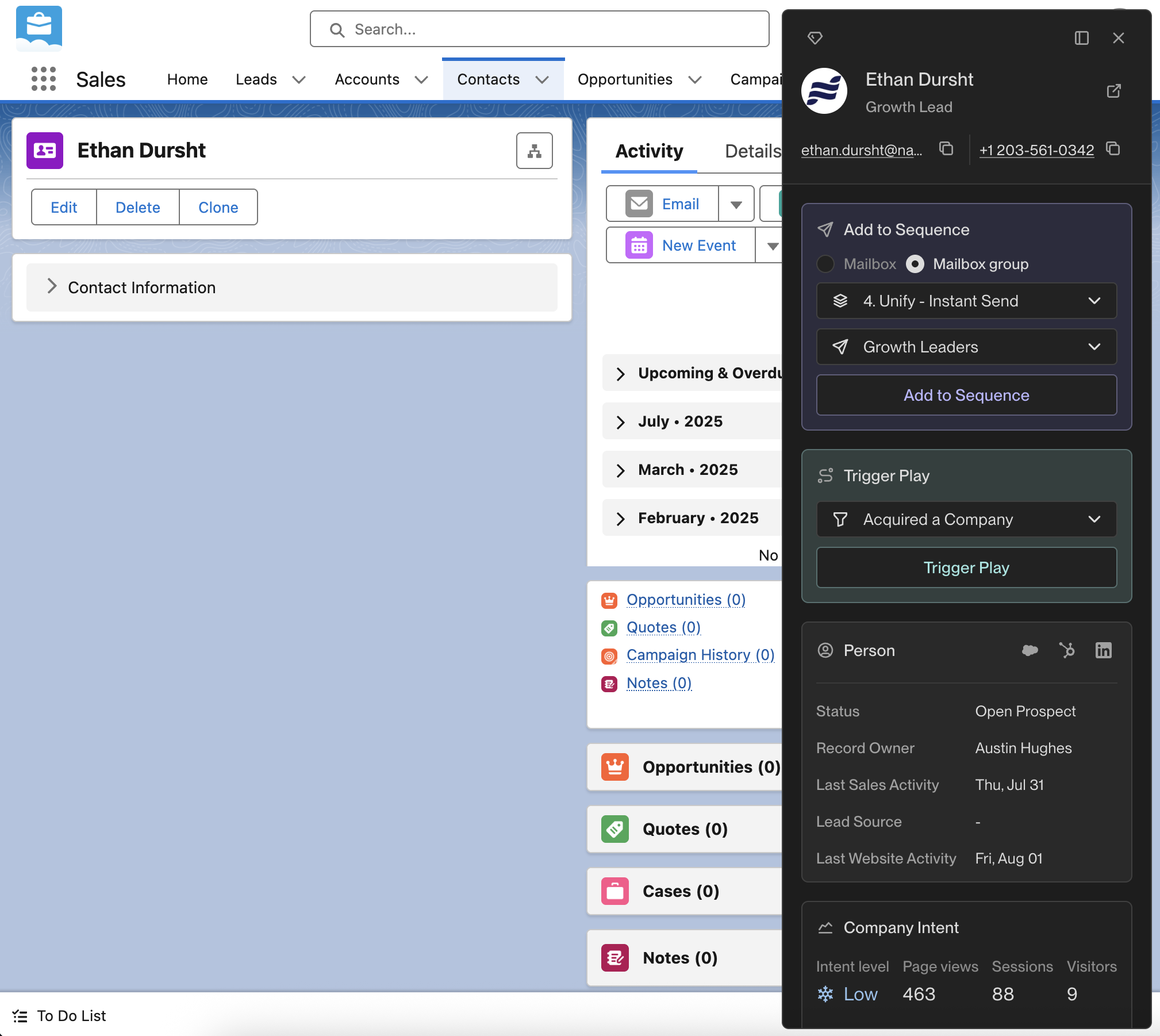
From this view, you can check if this Person is currently enrolled in a Unify Sequence.
If they are not already enrolled, you can enroll them from here using any mailbox or
mailbox group in Unify. Additionally, you can instantly add this Person to any of the
Plays you’ve built. See more info on building Plays in Unify [here](/reference/plays/overview).
## Salesforce contact & lead pages
From this view, you can check if this Person is currently enrolled in a Unify Sequence.
If they are not already enrolled, you can enroll them from here using any mailbox or
mailbox group in Unify. Additionally, you can instantly add this Person to any of the
Plays you’ve built. See more info on building Plays in Unify [here](/reference/plays/overview).